Multi-Factor Login
Limited testing
The MFA feature is still being tested with a limited number of users.
Multi-factor authentication (MFA) adds another layer of protection to your account. When enabled, logging in requires both your password and access to the email inbox associated with your account. This helps protect your account if someone else learns your password.
How it works
- When logging into Rollcall, enter your email address and password as usual.
- If your email and password are correct, instead of logging into, Rollcall will send sign-in link to the email address on file. The login screen confirms that the email is on its way.

- Check your email inbox and look for a new messsage titled Rollcall Login Verification and click the Log In to My Account link.
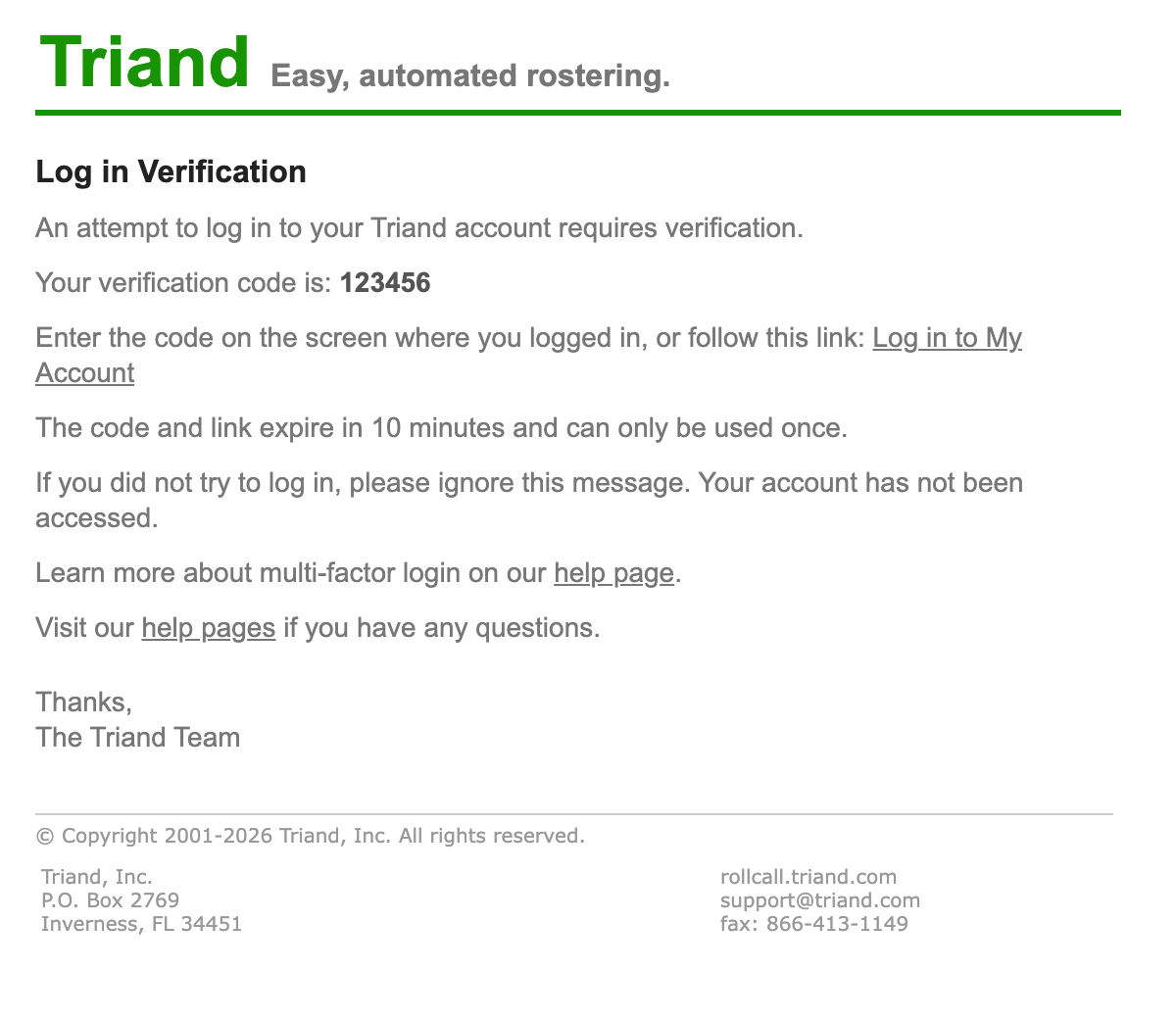
- Click the link to complete your login. You will be redirected to the page initially requested.
Troubleshooting and things to know
- The emailed link expires 10 minutes after it is sent and may only be used once.
- If the email does not arrive promptly, check your spam or junk folder.
- If a link is invalid, expired, or already used, return to the login page and enter your username and password one more time to receive a new link.
- If the sign-in email is undeliverable or you see a message that the link could not be sent, the email address on your account may be invalid. Contact your administrator or support@triand.com.