ACCESS API
Account Management
Account Owners
Arkansas Civics Test
Community Service Learning
Data Services Agreements
Online Testing
Private Schools
Home Schools
Smart Core
Student Transcripts
Advanced Searching
OneRoster API
Student Registration
Students can start taking the test by visiting: https://rollcall.triand.com/take/CIVIC
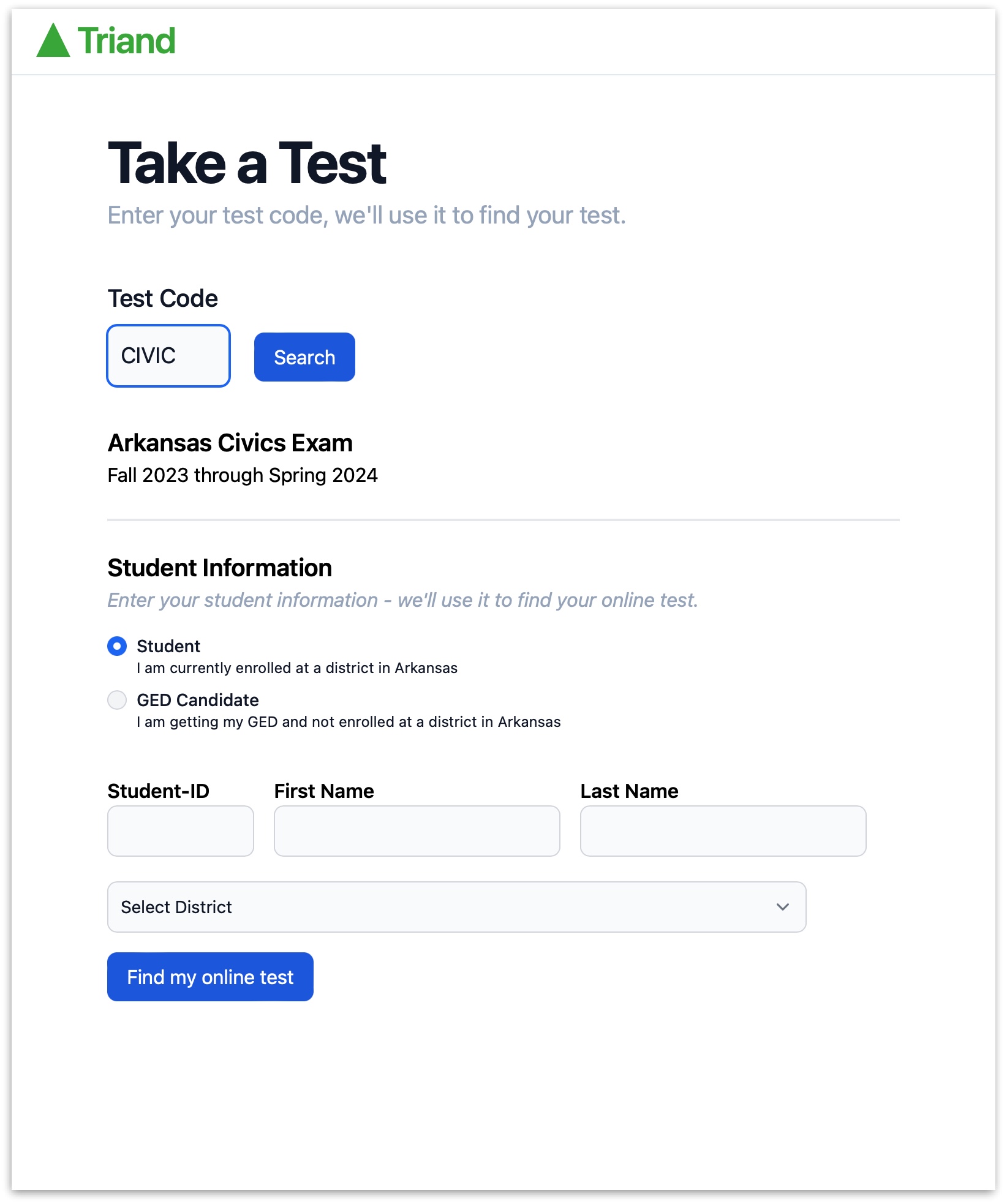
Entering Student Information
Students will need to fill the appropriate information so that their specific test can be located.
Enrolled students can enter either their district Local-ID or their State-ID.
The system will roster the student into the appropriate district and school (and class if the student is currently scheduled for a Civics class).
GED students are not considered as attending any specific Arkansas district and for reporting purposes are placed into a district named "GED Candidate"
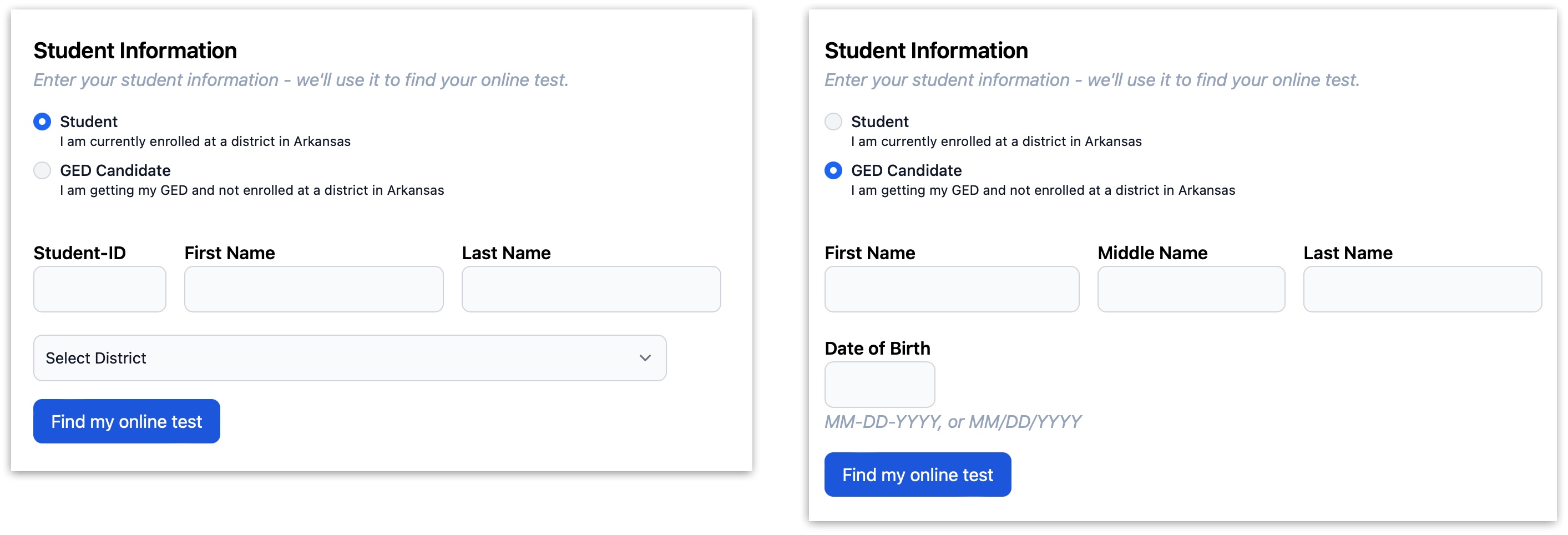
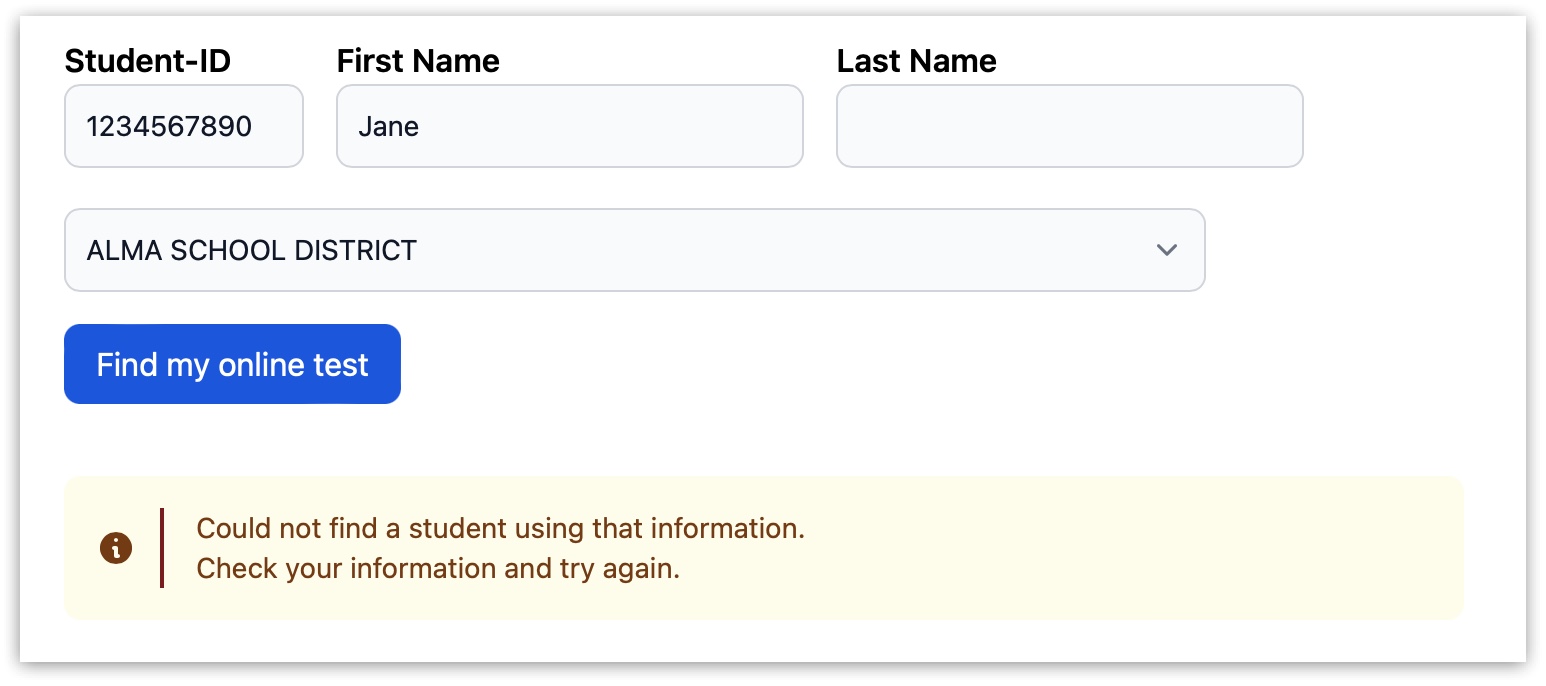
Locating the Student Test
After the student enters their information and clicks "Find my online test" one of the following will happen:
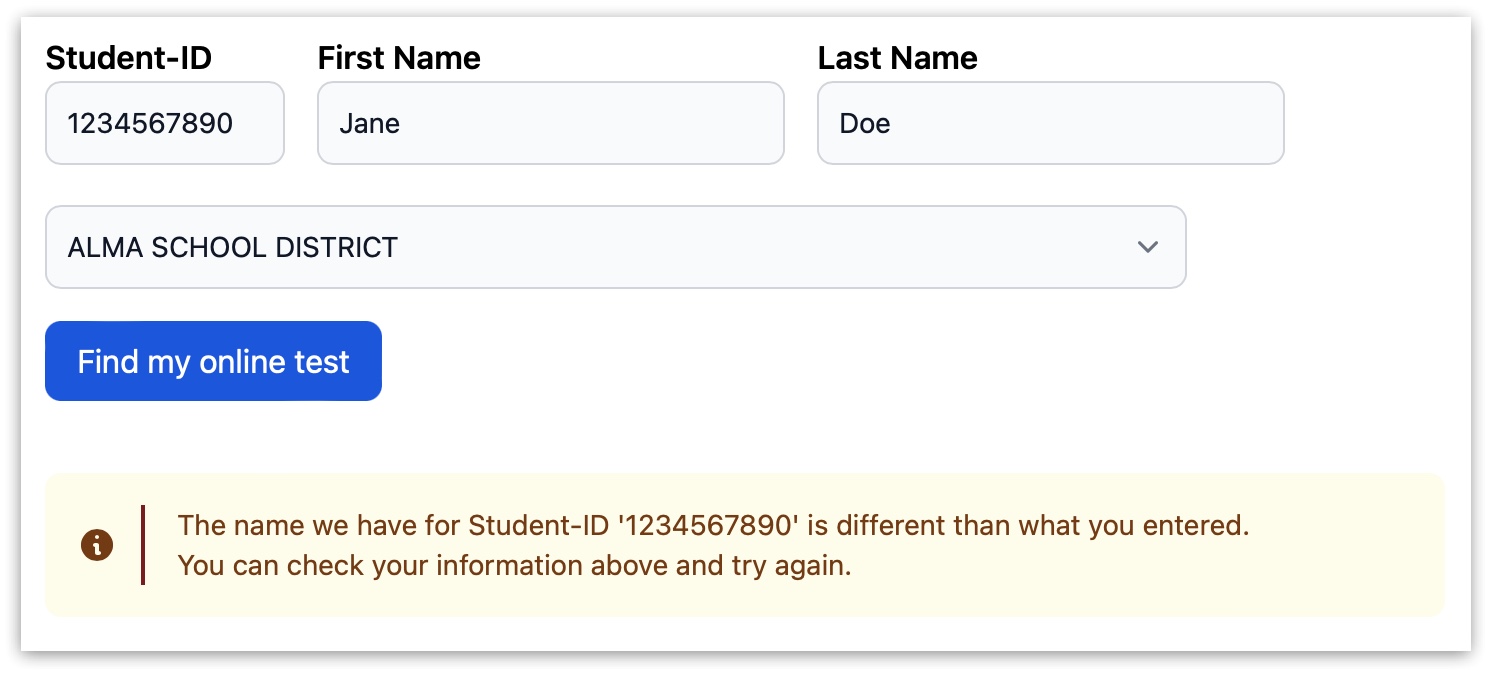
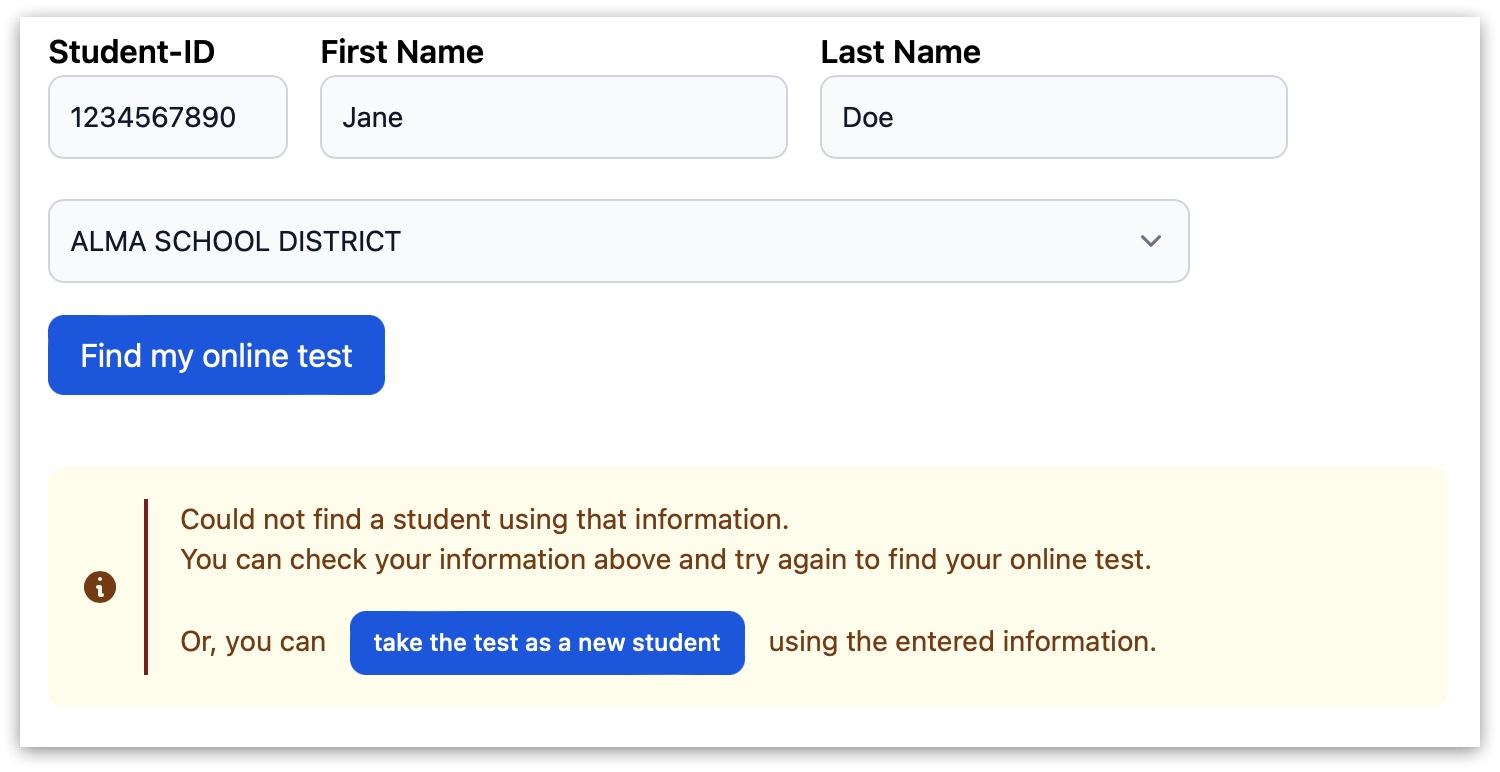
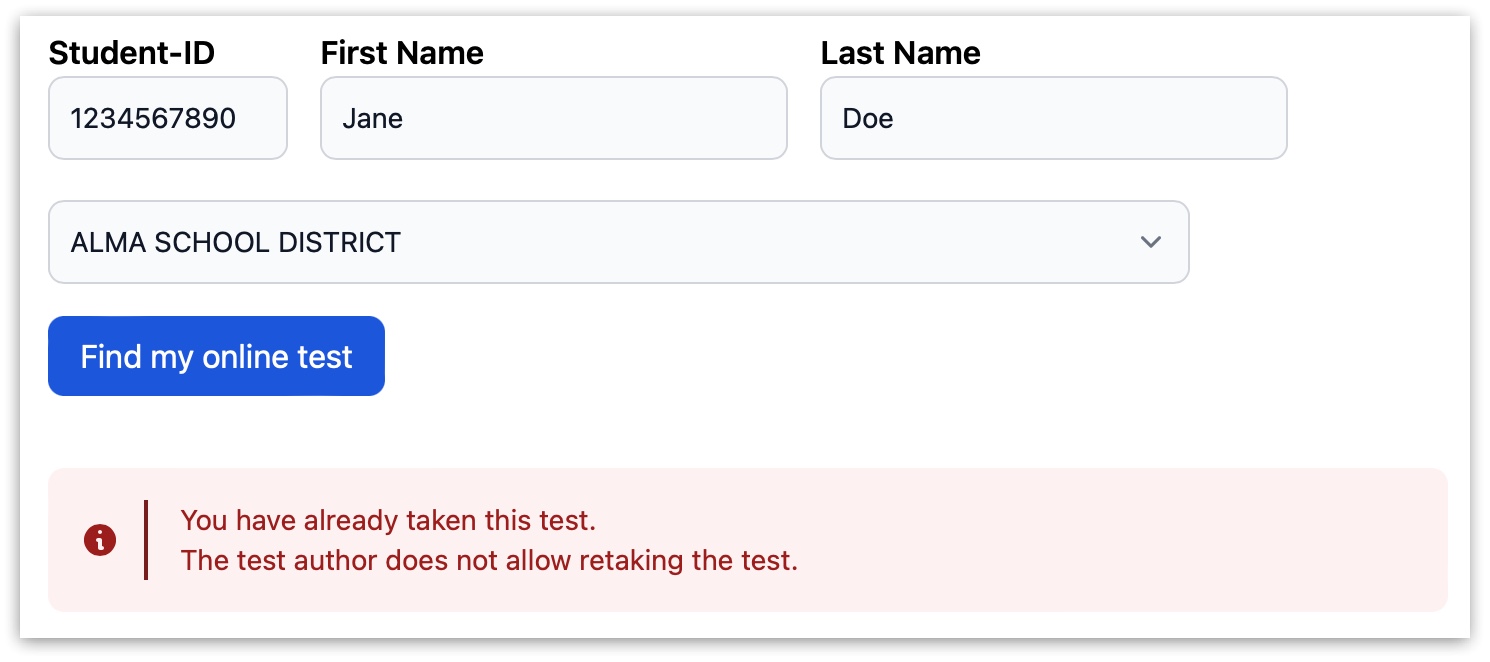
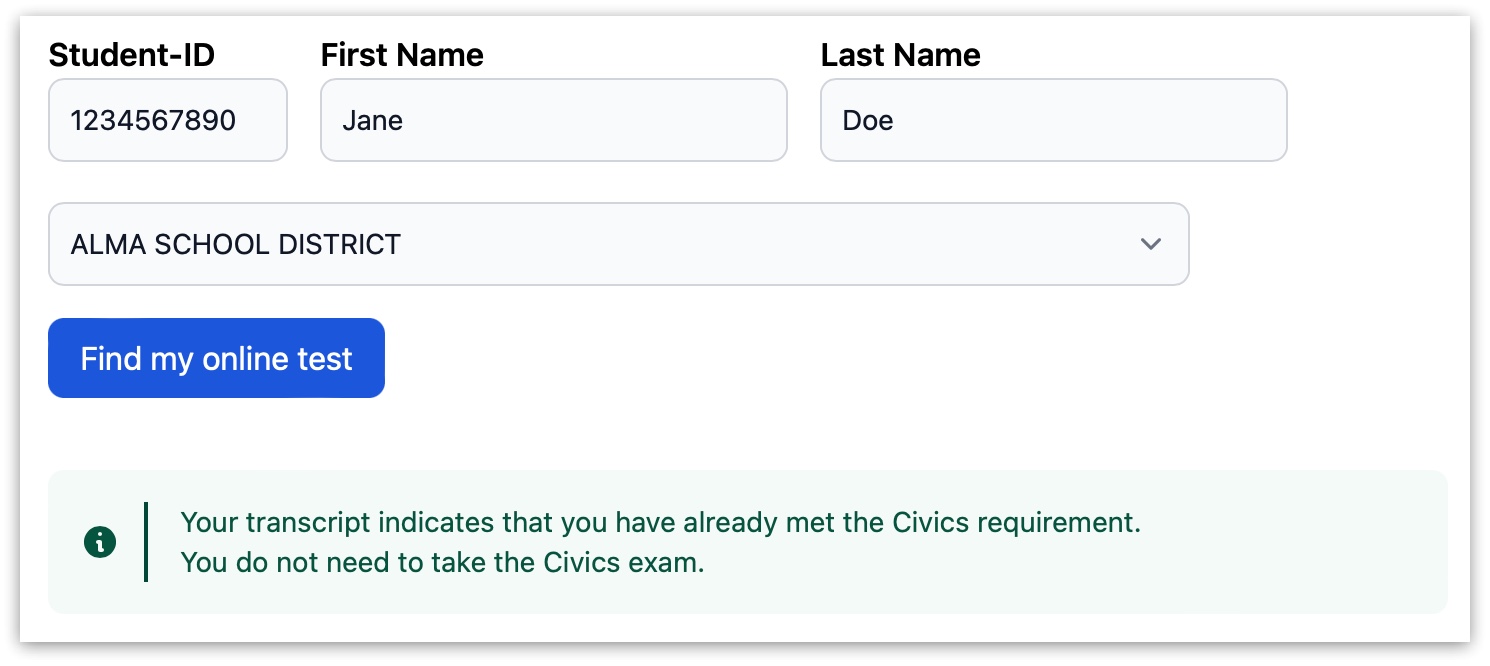
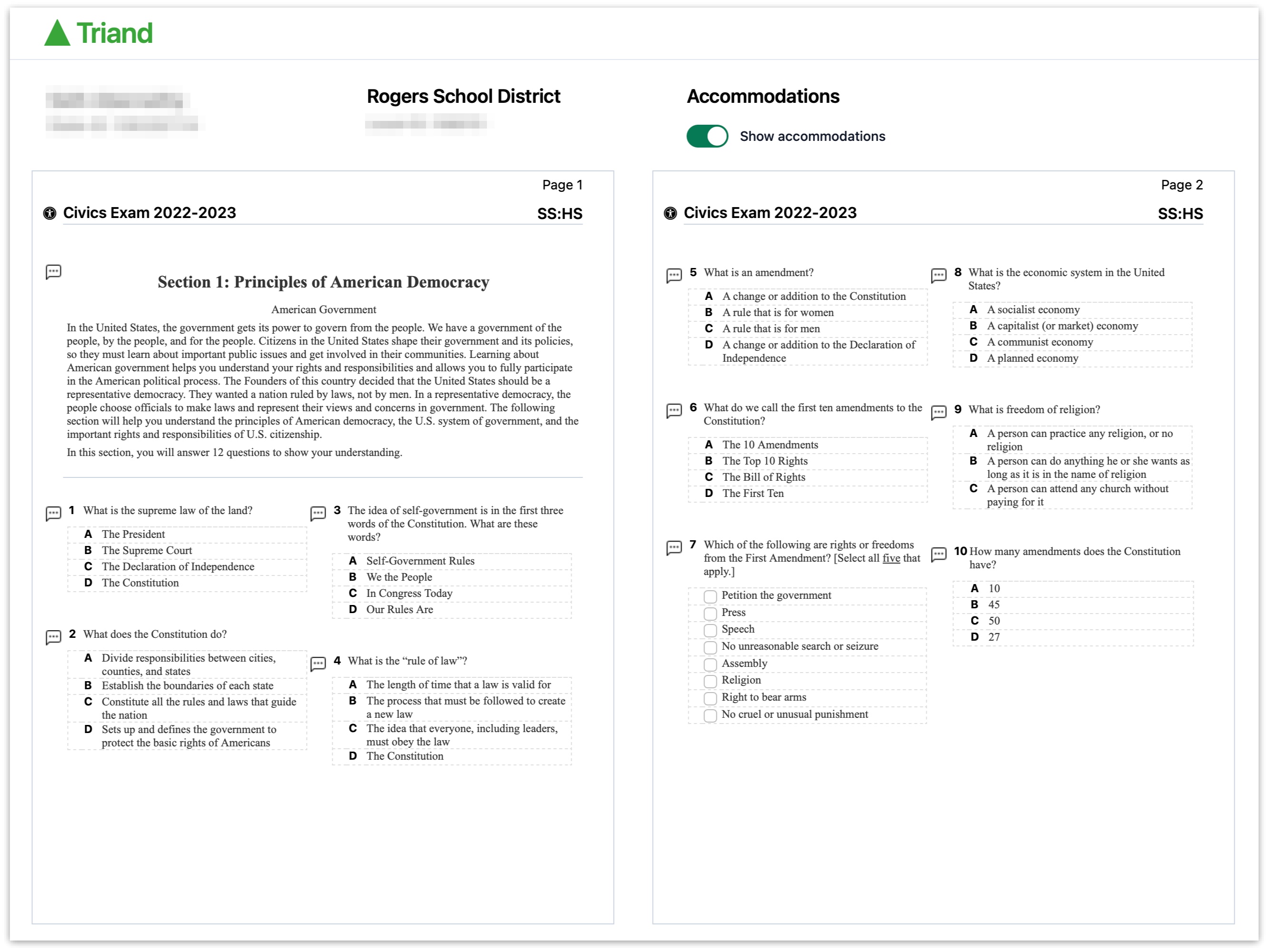
And lastly, if the student test is successfully located the student will immediately be taken to the test: