To view/request a record for a student, click “students” in the navigation bar.

With appropriate access:
- Teachers will be able to view records for their own students.
- School Administrators will be able to view records for their school.
- Counselors, Registrars and Triand Account Owners will be able to view records for students all over the state.
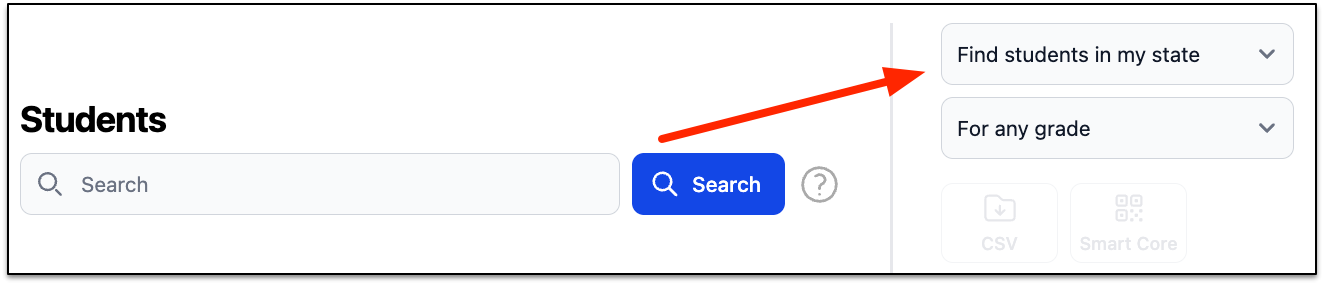
Choose your level of access. Options are:
- Students in my classes – used by teachers
- Students at my school – used by school-level positions
- Students at my district – used by district-level positions
- Students in my state – used by counselors, registrars, and anyone else with statewide access
For students in your classes, school, or district, with appropriate access, you can download a list of students (“Download CSV”), print Smart Core Letters for students/parents (“Smart Core PDF”), and/or print student transcripts (“Transcripts PDF”).
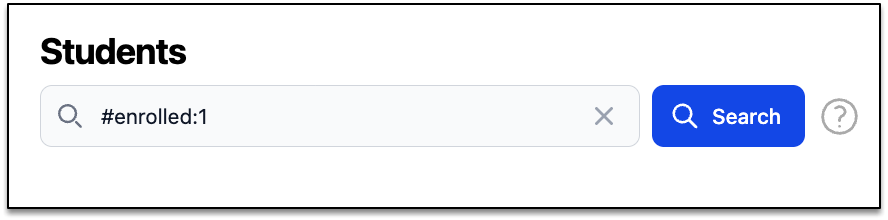
For any of these, it is recommended that you search for only your active students (“#enrolled:1” entered in the search records box) prior to downloading.