ACCESS API
Account Management
Account Owners
Arkansas Civics Test
Community Service Learning
Data Services Agreements
Online Testing
Private Schools
Home Schools
Smart Core
Student Transcripts
Advanced Searching
OneRoster API
Student Data API
View Student Records and Request Transcripts
Modified on: Mon, 1 Dec, 2025 at 1:51 PM
To view/request a record for a student, click “students” in the navigation bar.

With appropriate access:
- Teachers will be able to view records for their own students.
- School Administrators will be able to view records for their school.
- Counselors, Registrars and Triand Account Owners will be able to view records for students all over the state.
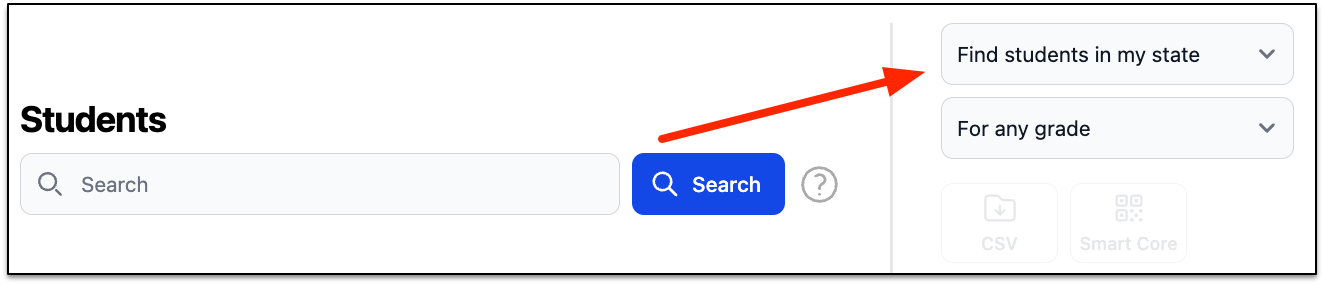
Choose your level of access. Options are:
- Students in my classes – used by teachers
- Students at my school – used by school-level positions
- Students at my district – used by district-level positions
- Students in my state – used by counselors, registrars, and anyone else with statewide access
For students in your classes, school, or district, with appropriate access, you can download a list of students (“Download CSV”), print Smart Core Letters for students/parents (“Smart Core PDF”), and/or print student transcripts (“Transcripts PDF”).
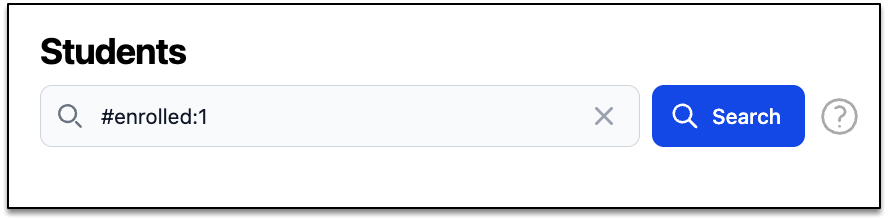
For any of these, it is recommended that you search for only your active students (“#enrolled:1” entered in the search records box) prior to downloading.